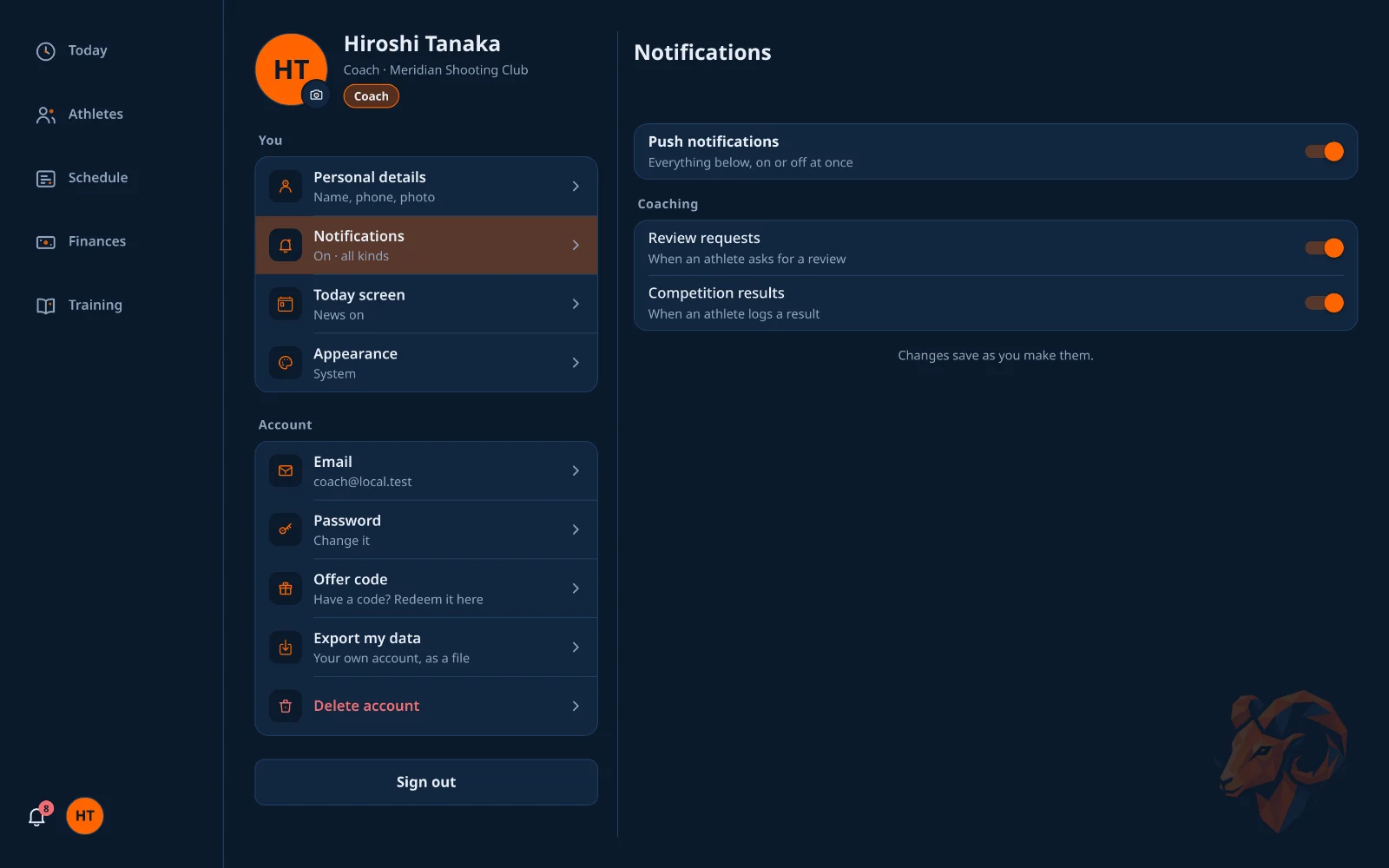
Below them, requests are answered in place, and Your day lists each booking with its lane and program, counting how many are done. A session with no program says so, with Set one beside it. Each figure opens the screen behind it.


A coach develops a group of athletes and helps run the range. You keep everything an athlete has for your own training, and gain a set of staff tools on top.
Your tabs are Today, Athletes, Schedule, Training and Finances. The day board, competitions, guests and the club's inventory are reached from Schedule. Club setup is owner-only.
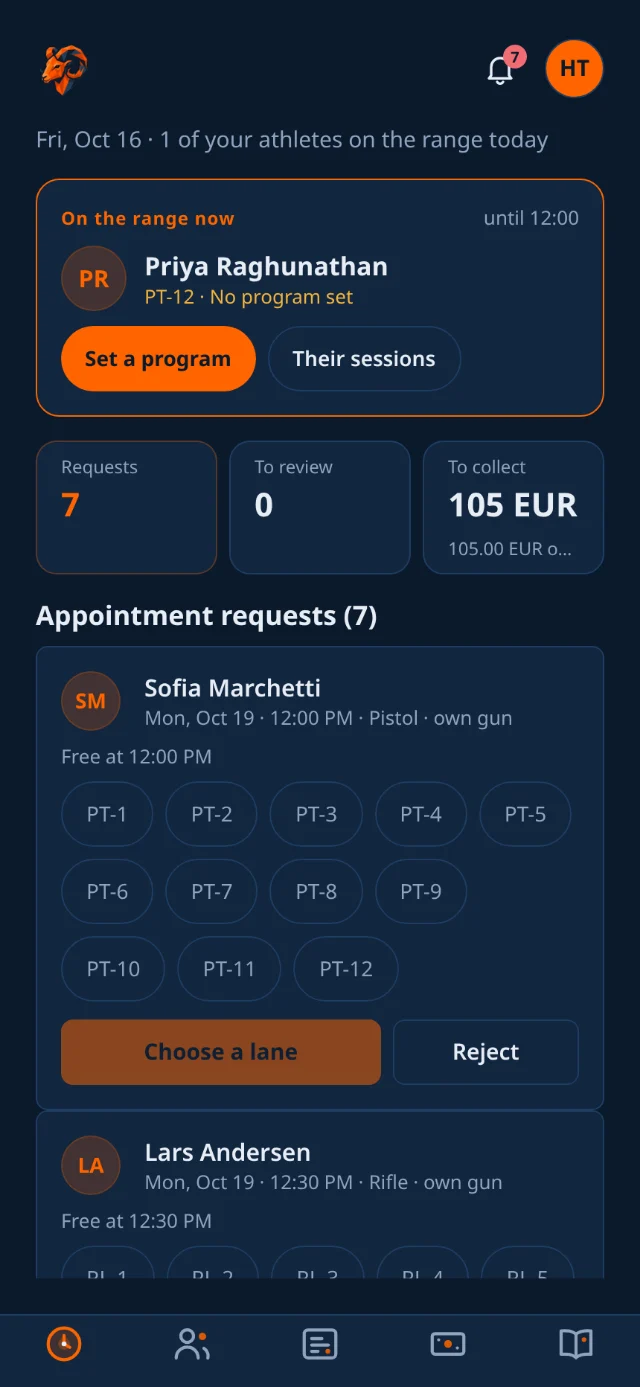
Today is your day rather than the club's. While one of your athletes is on a lane, a card at the top says who, which lane and what they are there to do. Then three figures: booking requests waiting, sessions to review, and what your athletes owe.
Below them, requests are answered in place, and Your day lists each booking with its lane and program, counting how many are done. A session with no program says so, with Set one beside it. Each figure opens the screen behind it.
Who needs you lists the athletes worth a look today, most urgent first, with a sentence for each reason:
Tap an athlete to open them on the tab that answers the reason: their sessions for a review, their analytics for a slipping score. You see the athletes assigned to you; an owner sees the whole club.

The Athletes tab opens on your own athletes, with the whole club one tap away. Search by name, or filter by status, category, team and coach.
Above the roster sit Invites, to bring somebody in, and Categories & teams, the labels you sort athletes into. Athletes join by invite and create their own account. A second segment lists the club's coaches.
Selecting an athlete lets you:
You are notified about your athletes when they are assigned, book or cancel a session, request a review, need ID verification, or set a personal record.

An athlete's page opens on a summary and four tabs: Prep, Sessions, Analytics and Profile.
The Overview toggle displays the dashboard the athlete sees, including match pressure, shots below their line, fatigue, consistency, technique radar, score trends, and a hit distribution on the athlete's own discipline's target.
It includes Goals against results: how each goal the athlete sets has moved the rating it is about, and what their score does in the sessions that carry it.

Each athlete has a Prep tab, for the minute before you sit down with them. It brings together what is worth raising today (the reason they are on your list), their last three sessions, the goals they have set lately and how often, and your own notes.
Your notes are for what you agreed, so it is there next time. Only you and the club owner can read them. The athlete never sees them, and they are not part of the athlete's data export.

Insights read the shape of an athlete's misses to name a likely cause and suggest a corrective drill.
The kinds of thing it reads:

Session feedback requests land in your pending reviews.
The athlete is notified, and your feedback stays attached to the shots that prompted it, so it still makes sense when they read it again in six months.
The Schedule tab manages day-to-day range activities.

The day board is the one to have open at the counter. It is a grid of every lane against every hour for a single day.
Open a booking to change its gun, program or drills, or to Move it to another free cell. Requests waiting for a lane sit in a tray above the grid: tap Place and the lanes free at that hour light up.

A requested slot holds its lane straight away and waits for staff to confirm it.
The athlete is notified either way, so a rejection is never silent.
From a booked session on the Schedule you can send the athlete in knowing exactly what to work on.
Someone turns up for a trial session with no app account. You can still put them on a real lane and hand them a club gun, exactly as you would a member.
Guest bookings show on the day board in their own color, so at a glance you know which lanes hold people who may need watching.

The Training tab holds the club's shared programs and drills for pistol and rifle.
It shows the library itself rather than links to it: sessions that still need a program, how much there is, the programs and drills most in use, and the drills by category. Tap anything to read it, or open the full editor.

Reusable drill plans. Each has a name, a discipline, a series count, shots per series, rest, and focus notes. Build one once and attach it to any booked session from the Schedule.

Drills are categorized as pistol, rifle, physical, or mental.
Completing drills across all four categories earns the Well-Rounded badge.

On Programs, Is it working? sets what each athlete did in the four weeks before a program first reached them against the four weeks after: score per ten shots, sessions a week, and a verdict of Working, No change yet, Check in, Stalled or Too early. Filter by program, or read them all together.
It is a prompt to ask, not a verdict. Four weeks is short, a program is rarely the only thing that changed, and each athlete is compared only with themselves. It will not say Working on fewer than three scored sessions each side.

The Finances tab shows the fees of the athletes assigned to you.
Owners see the whole club's ledger, set the fee plans and invoice in batches.

Open Inventory from the Schedule tab. The owner manages the list; you see the same screen, read-only.

Competitions, opened from the Schedule tab, is a hub of New, Ongoing and Past. Create the competition here; managing participants happens on the competition's screen to keep this one fast. Your athletes' own competitions are one tap away.
Your athletes' competitions (the first row on the hub) lists everyone you look after, and an owner sees the whole club: who competed and how it went against their practice, who competes next, and what is waiting on you, a review someone asked for or a result not yet logged.
On a laptop the chosen athlete's competitions sit beside the list, with the review box. On a phone a row opens the athlete on their Competitions tab. Log results enters a result for an athlete.

On an athlete's Sessions tab, switch to Competitions and tap Log a competition for them. It is the athlete's own flow, without live entry or a review request. The competition is theirs, with you as its author, and your half-typed entry never lands in their own draft.
When an athlete asks you to review a competition, it is waiting on you here and on Today.

The scoreboard updates live as scores go in.

Opening a competition gives you its own screen, and this is where the event is actually run, in three tabs: Athletes (each shooter's category, gun, lane and score), Relays (the seeder) and Scores (the live scoreboard). Everything heavy lives here rather than on the hub, which is what keeps the hub quick when the club has a long history of events behind it.

Building a start list by hand is the slowest part of running a club match. The seeder does the whole thing from the competition screen.

Your avatar opens your profile: one page for your own account, not the club's, each row saying where it stands.