1 Sign up
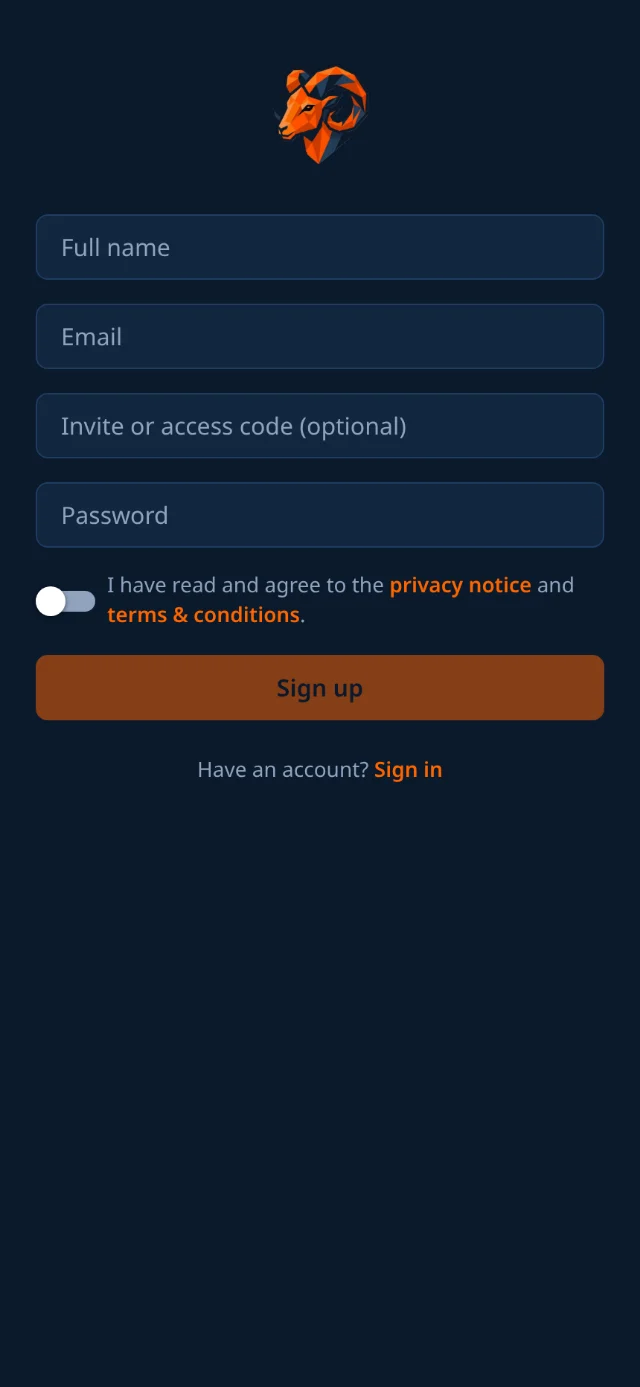
- Open Mouflon and tap Sign up.
- Enter your full name, email, and password.
- Turn on the switch to agree to the privacy notice. You must actively agree for the Sign up button to become active.
- Tap Sign up.

From no account at all to standing in the app with a role. This part applies to every kind of user; after it, follow the guide for whatever you chose to be.
One account works everywhere: iPhone, Android, tablet and any web browser. Create it once and sign in with it on all of them.

Mouflon sends a verification link to the address you gave. Open it, and your account is confirmed. If it has not arrived after a minute, check your spam folder.
Mouflon asks for your role next.
If you are setting up a club rather than joining one, you can register the whole thing here on the web instead of in the app. It is the same result, with one extra thing you get to choose: your club’s own web address.
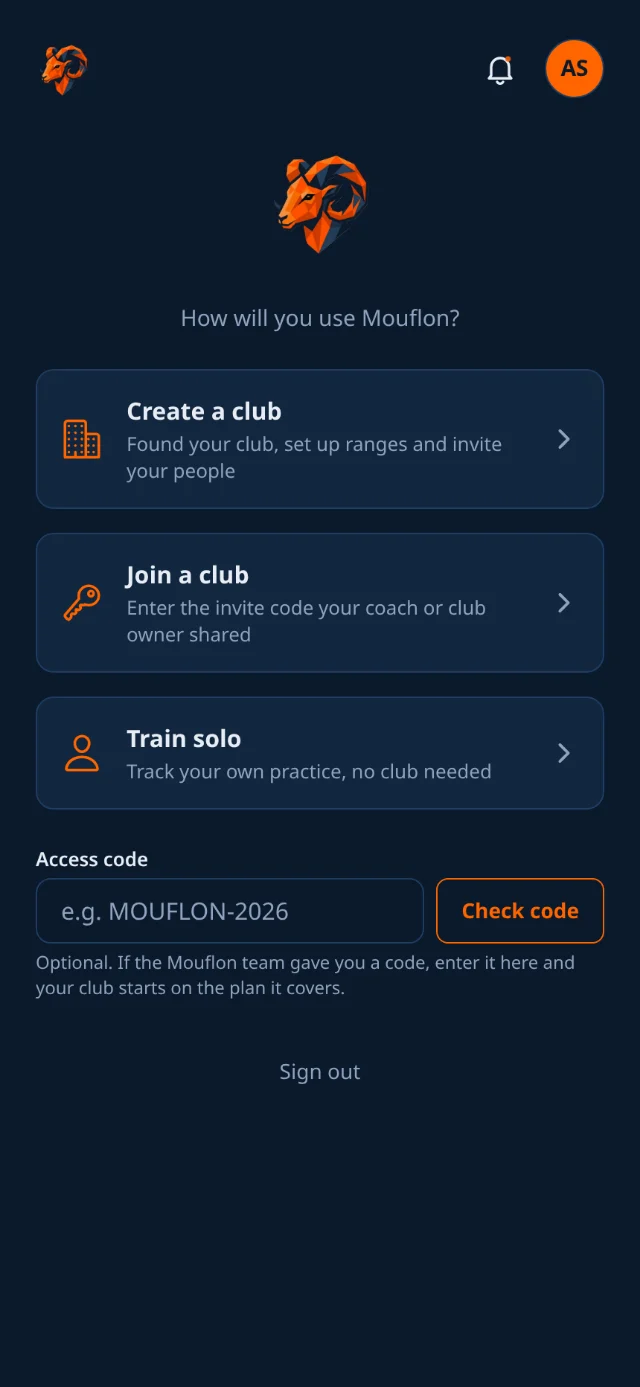
The first time you sign in with a brand-new account, Mouflon asks one question: how will you use it? Your answer decides which app you get.
There are three answers, and none of them is permanent:

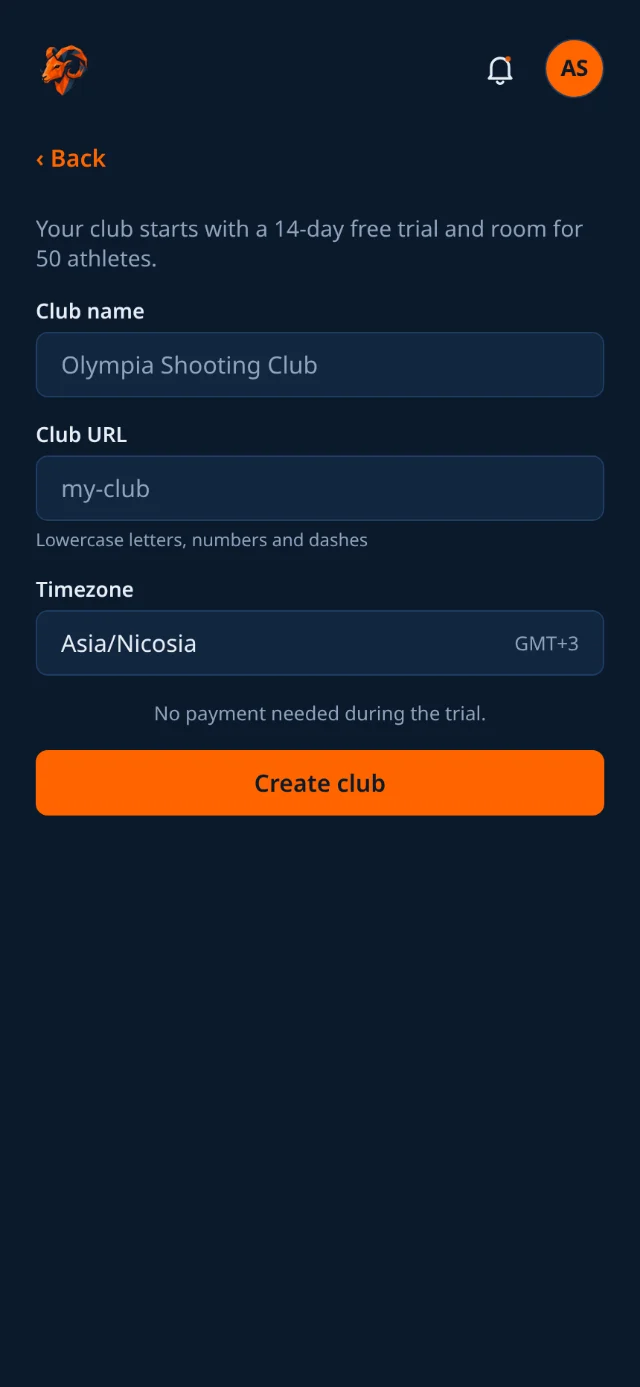
Your club starts on a free trial with room for a first intake of athletes, and no payment is needed while you set it up. You land in the staff app as the owner.
Next, configure the club, its ranges, and its lanes.

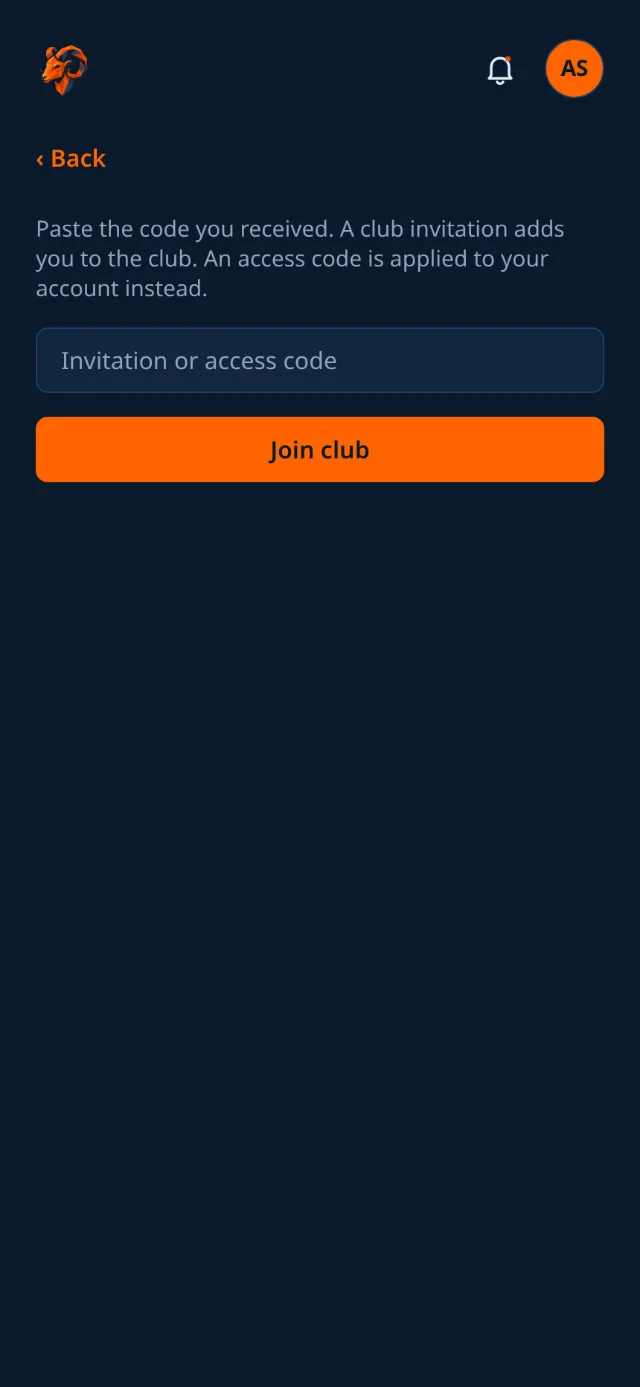
You are on the roster immediately, with your coach, your category and your club's scoreboard all in place. If you had been training solo, your entire history comes with you. Codes work once and expire two weeks after they are sent; if yours has lapsed, ask the club for a new one.

Tap Train solo to use the app as an independent athlete.
You get the same logging, plotting, target replay and competition simulator that club athletes use. The handful of club features (booking a club lane, the club scoreboard, club competitions and membership fees) simply do not appear, because there is no club behind them.
Read the athlete guide for more details on independent training.

If you have a complimentary code, enter it in the Access code field when creating a club or training solo.
Enter it there and you get the plan it covers without paying. Leave it blank and nothing changes.
Mouflon keeps you signed in. To sign in manually, enter your email and password.
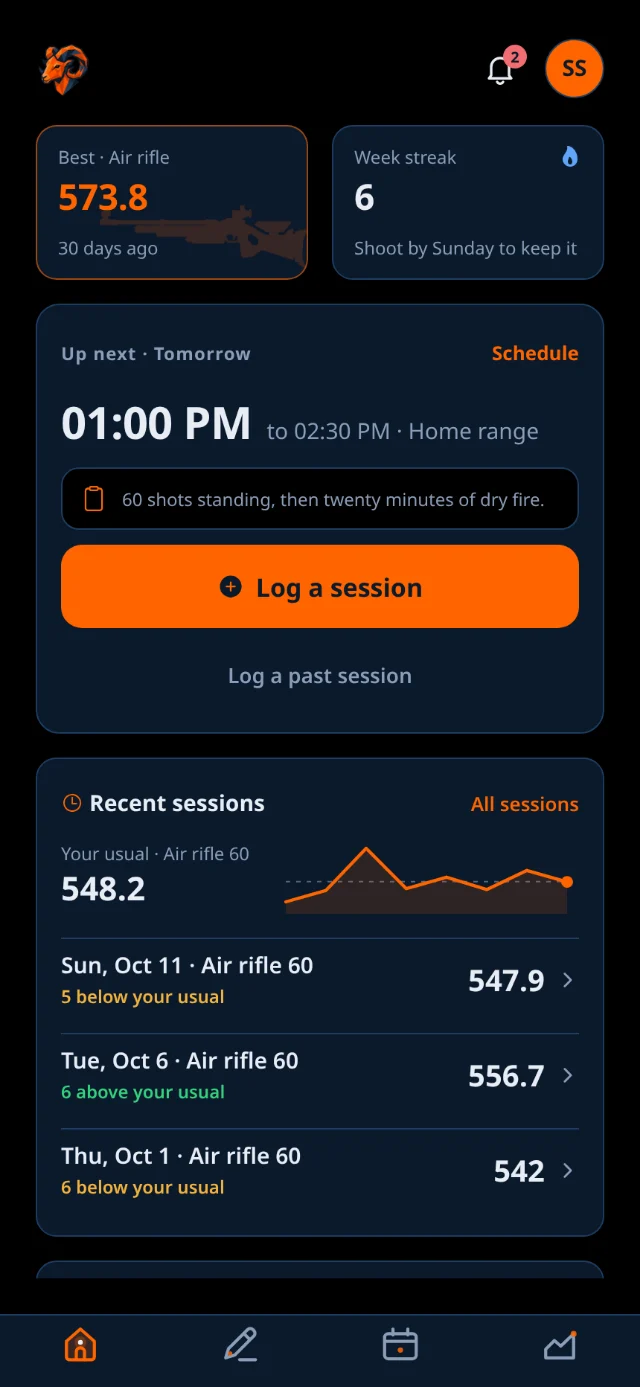
You never pick your path again: the app already knows your role and takes you straight to the right home screen.

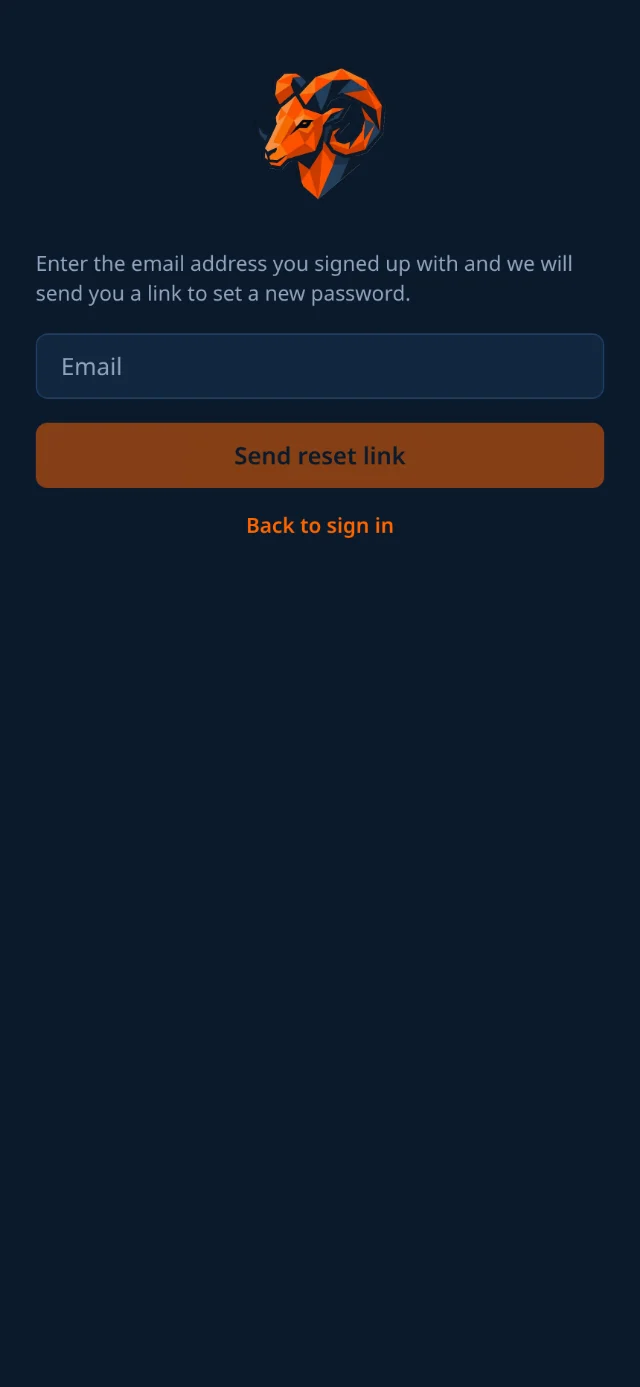
The link is single-use and expires. If it no longer works, request a fresh one rather than reusing an older email.

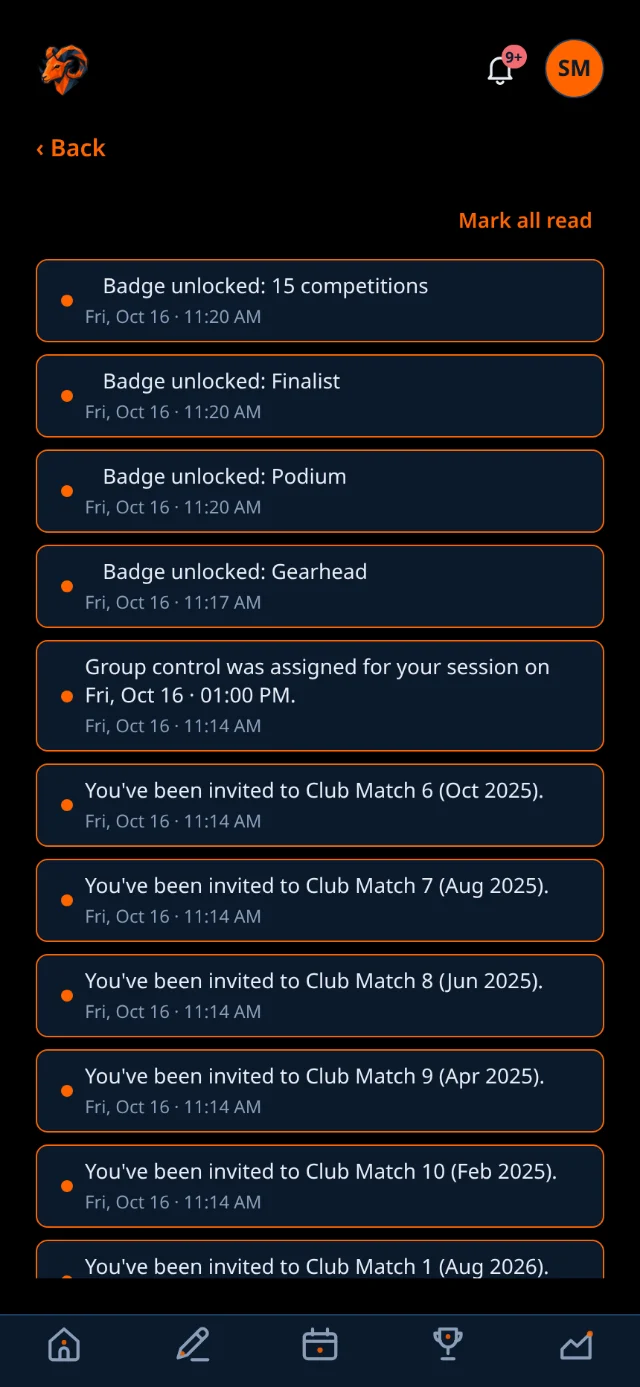
Once you are signed in, a slim header sits at the top of every screen with three things in it:

Four things are true no matter which role you end up with.